01 / YOUR SWING
Stay in your rhythm.
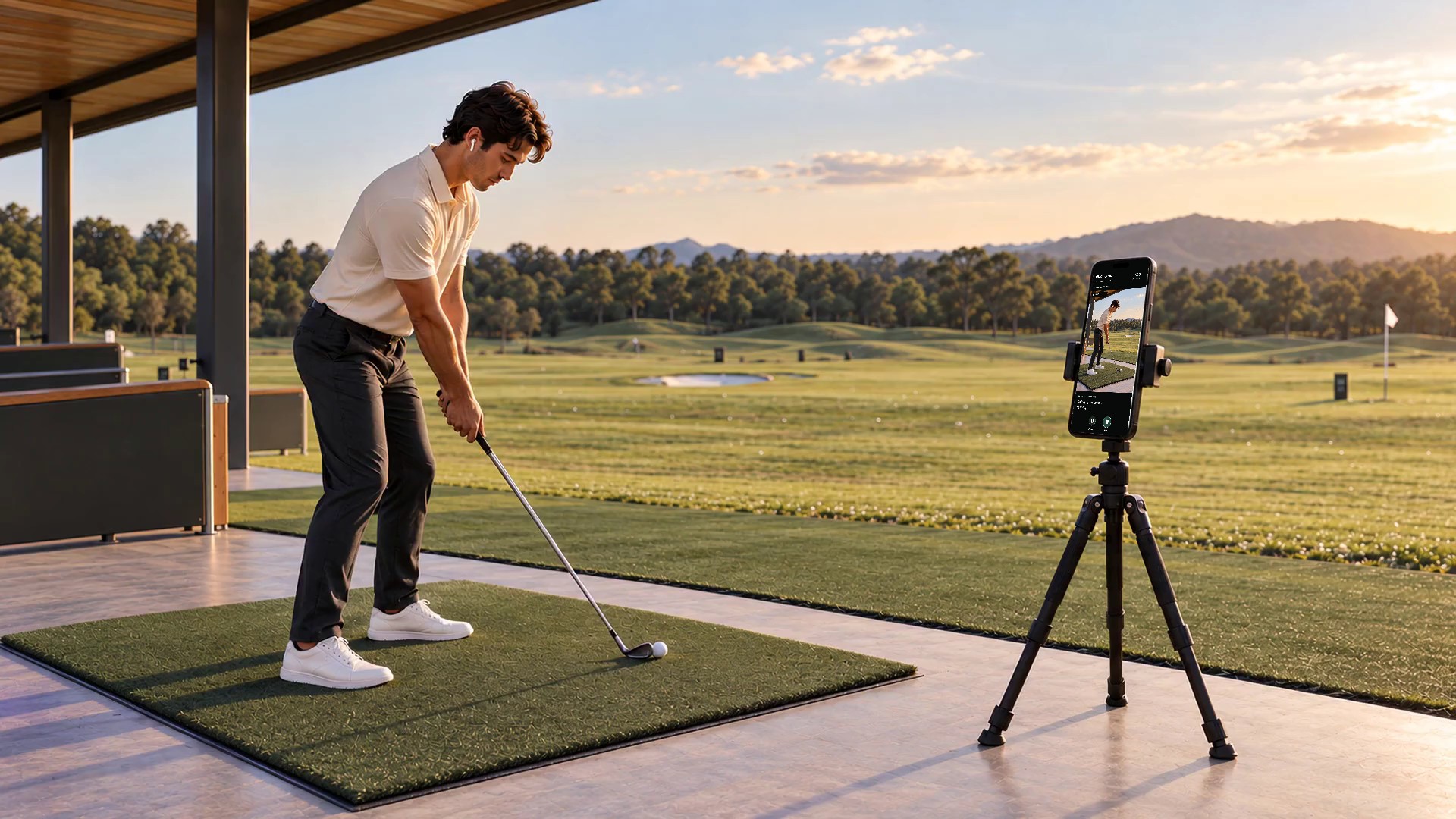
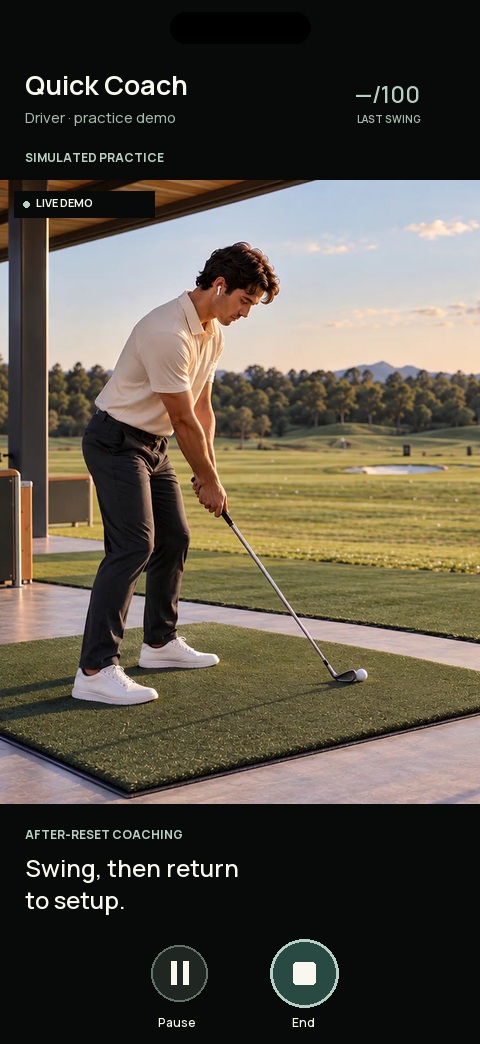
Choose your club. Swing, then reset. Your phone follows the session so you can stay with the practice.
HANDS-FREE GOLF PRACTICE
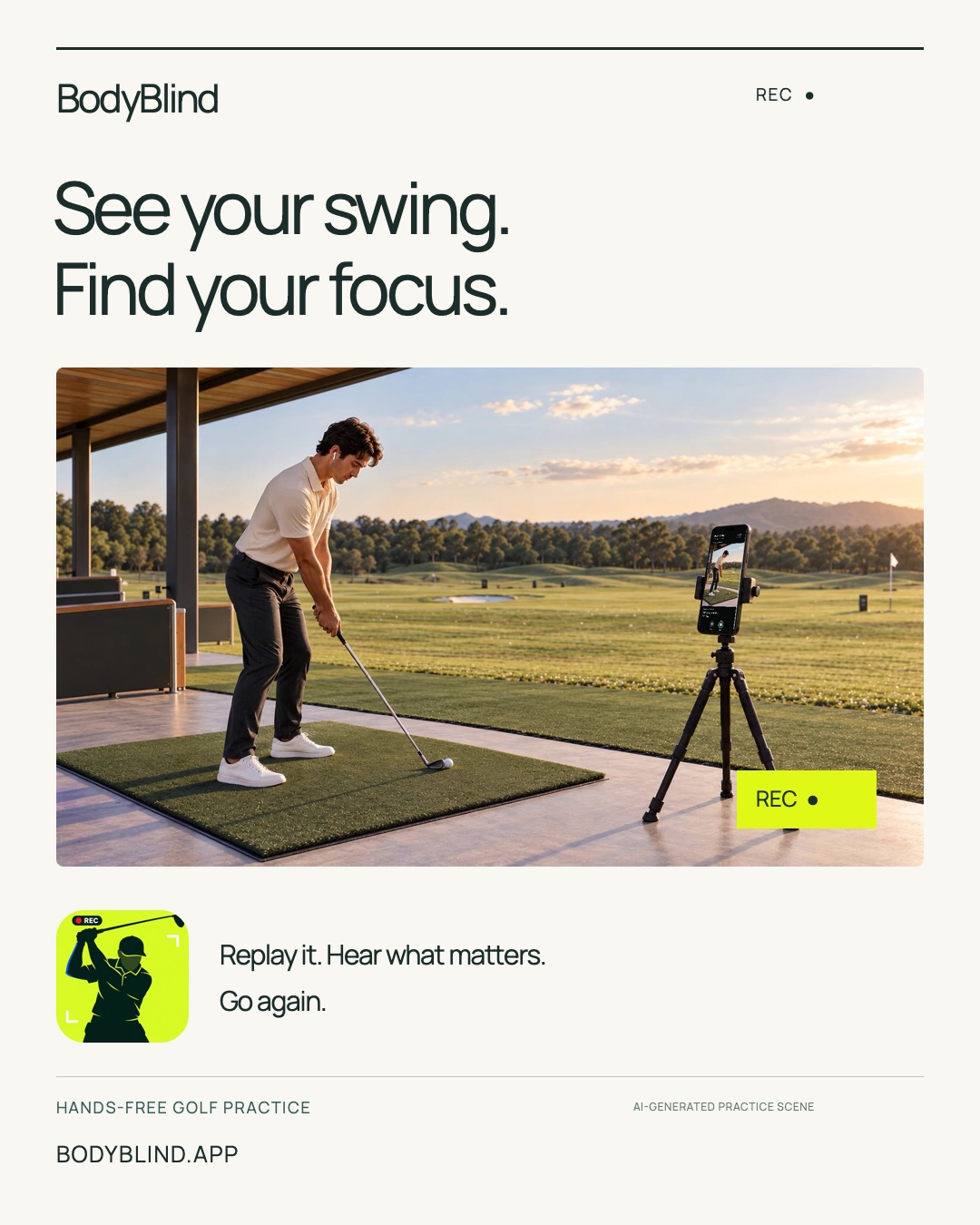
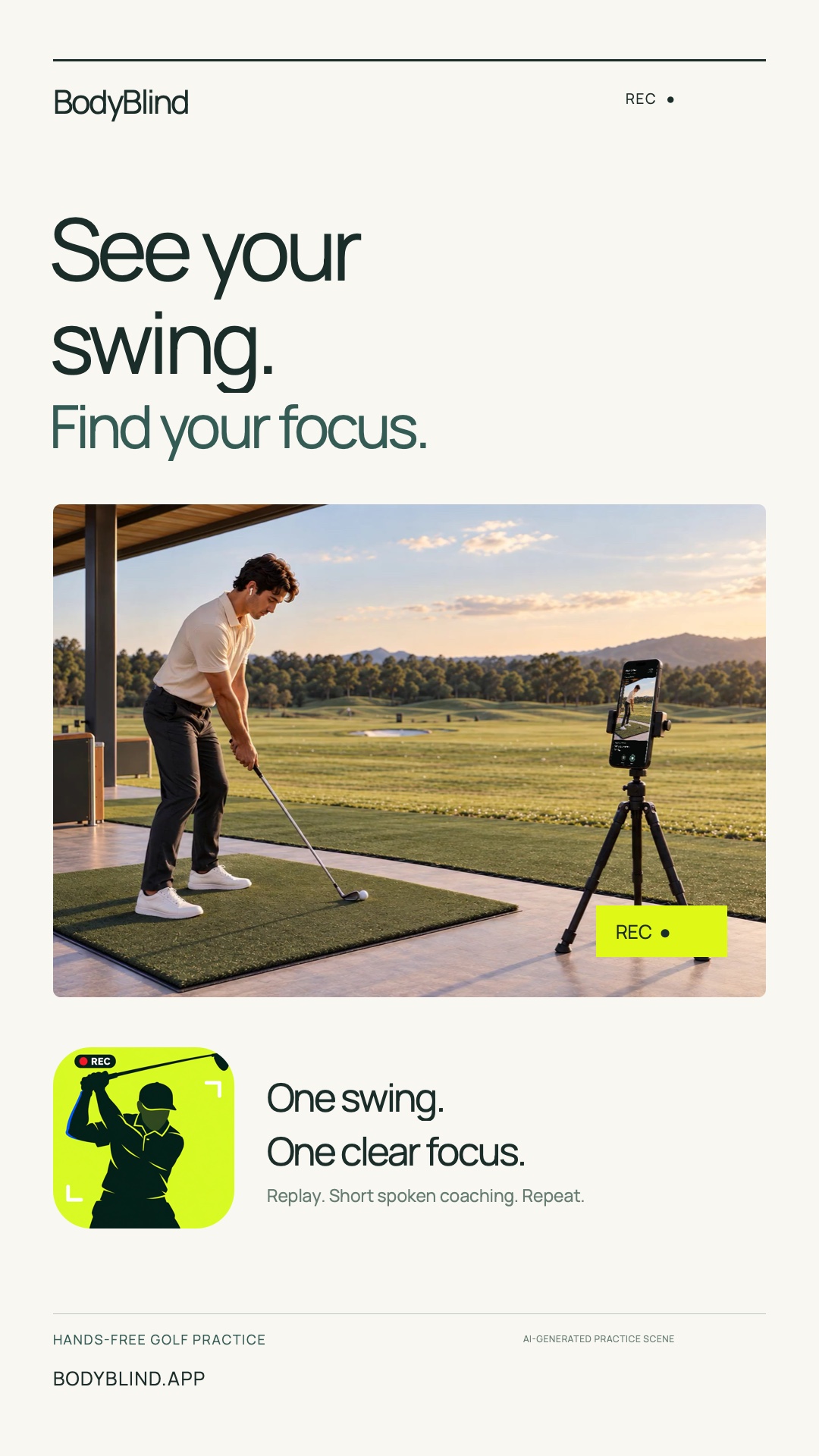
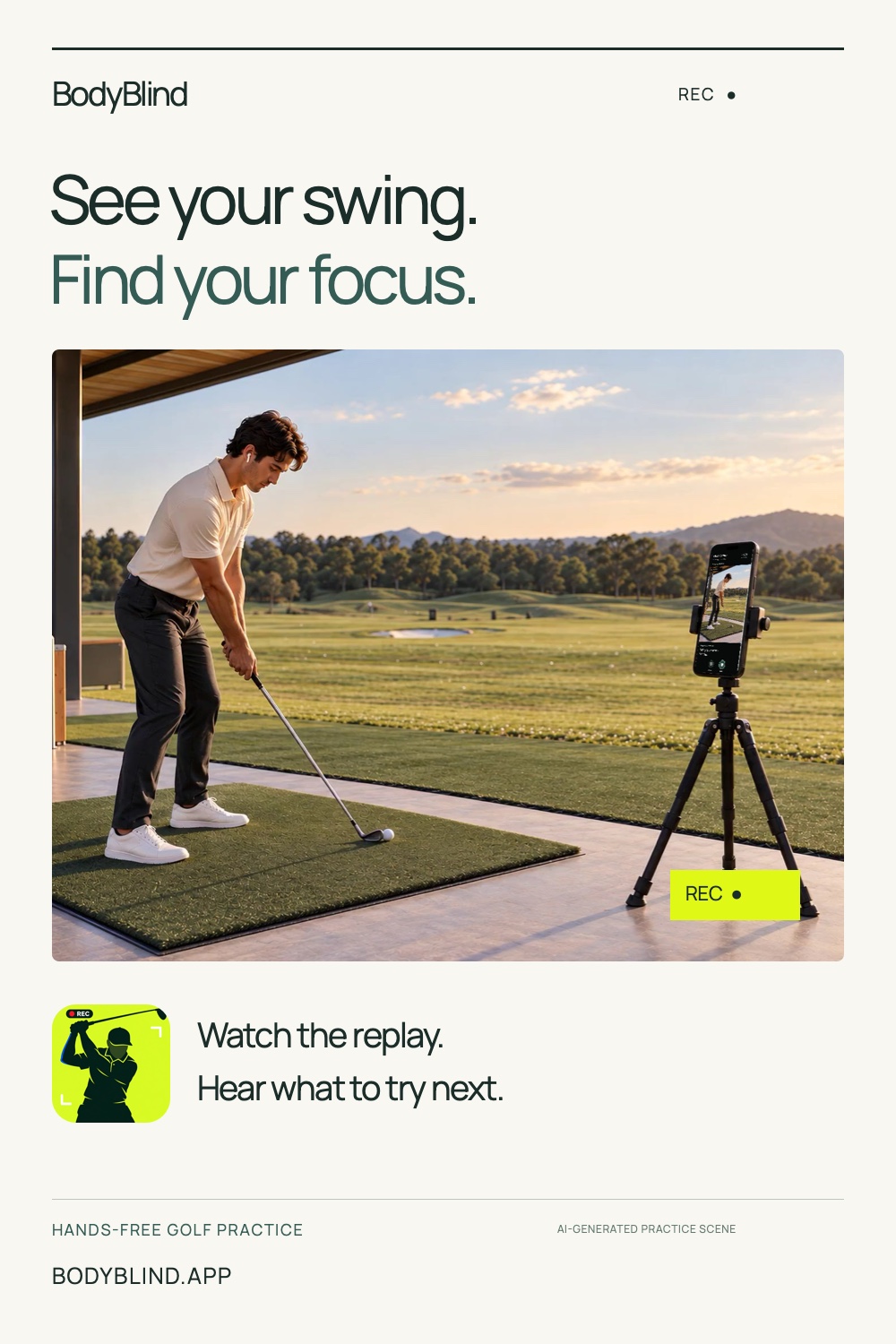
Your swing. A clear score. One or two things to try next. Watch the replay and hear your focus, without reaching for your phone.
For iPhone and iPad · 5 languages
01 / YOUR SWING
Choose your club. Swing, then reset. Your phone follows the session so you can stay with the practice.
02 / A QUICK CHECK-IN
A quick snapshot of the motion your camera could see. The useful part comes next: what to work on.
Illustrative score · not a measured swing03 / REPLAY + YOUR NEXT FOCUS
“Keep your torso angle steady.”
“Stay centered through the swing.”
One or two priorities. Spoken while you watch. Then the live view returns for your next swing.
Explore sample coaching for each club. The illustrative film stays the same.
AI-generated practice illustration. App interface examples use simulated results.
A FOCUS FOR EVERY CLUB
Build a repeatable motion with the club in your hands. Keep its practice history together, and see which part of your form deserves attention.
Review your posture and balance, then take a simple cue into your next full swing.
WHAT YOUR CAMERA CAN HELP YOU NOTICE
Torso alignment and visible elbow / knee angles.
How steadily your body moves through the attempt.
How your visible body position stays centered.
Ankle spacing in proportion to shoulder width.
Shoulder-line and hip-line separation in the camera view.
Quick Coach gives every full-swing club the same golf baseline. A matching reference adds a comparison shaped by that reference’s motion.
THE WORK ADDS UP
See how often you practice, which clubs get your attention, and how your form-match scores change. Return to your last focus instead of starting from scratch.
Swings, sessions, active days and volume by club type.
Session averages, best scores and saved swing history.
The latest 20 captured swings, ready for another look on your device.
Compare like with like: the same club, coaching mode and camera setup. A higher form score is not proof of a more accurate shot.
BUILT AROUND YOUR PRACTICE
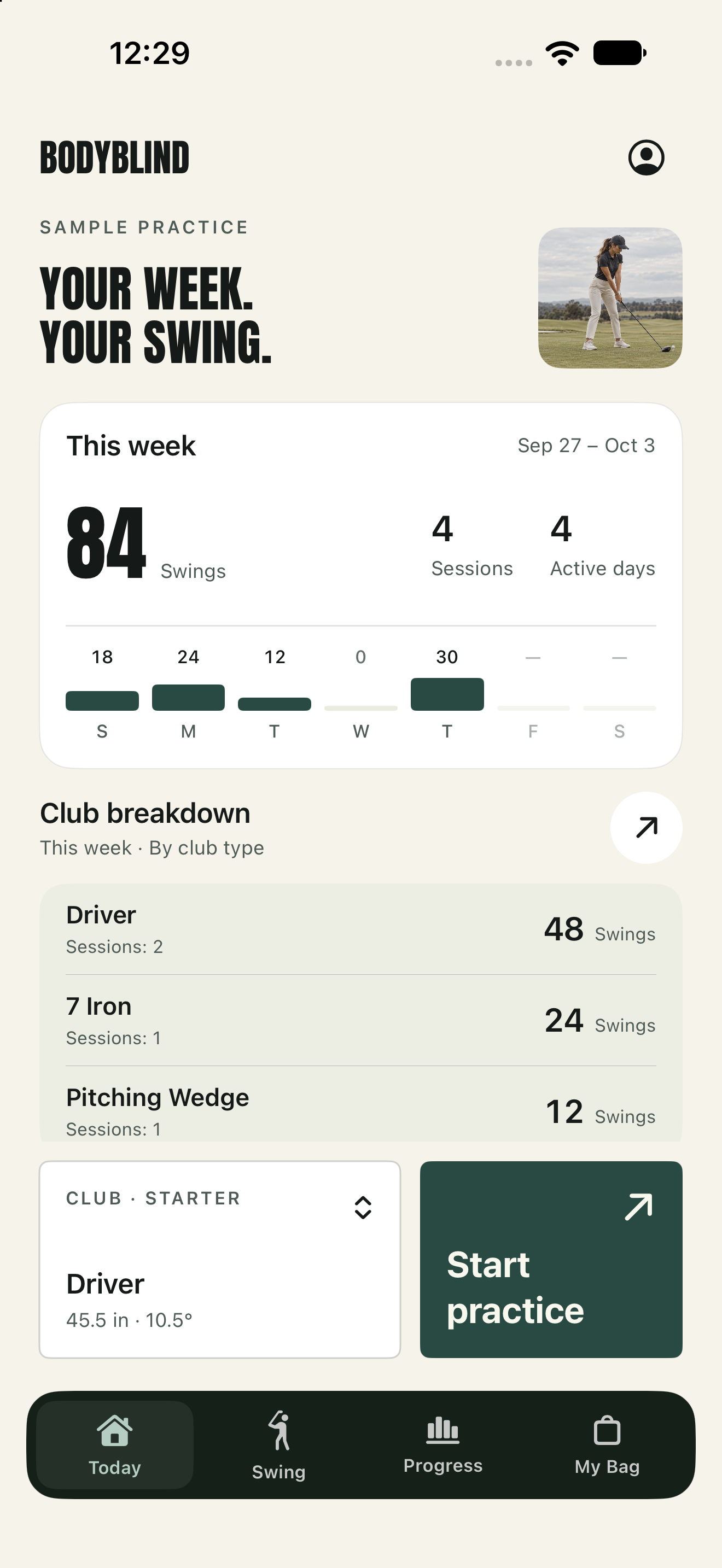
Pick a club, start a set, and return to a record of the work you put in.
See your week in swings, sessions and practice days. Review totals by club type, revisit recent practice, and take your latest focus into the next session.
How it works↗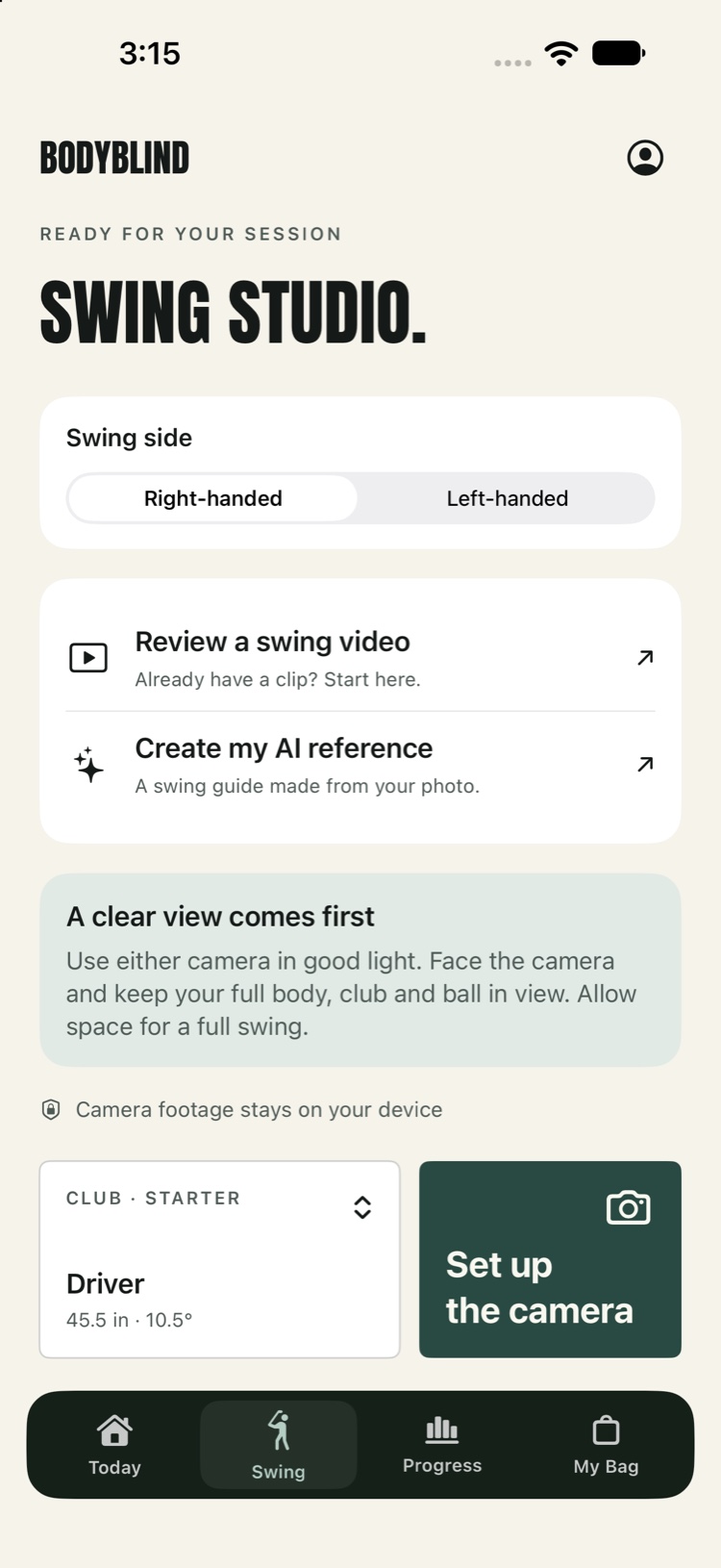
Start Live Swing Coach, review a clip you already have, or create a personal AI reference. Choose your club and swing side before your session.
Practice↗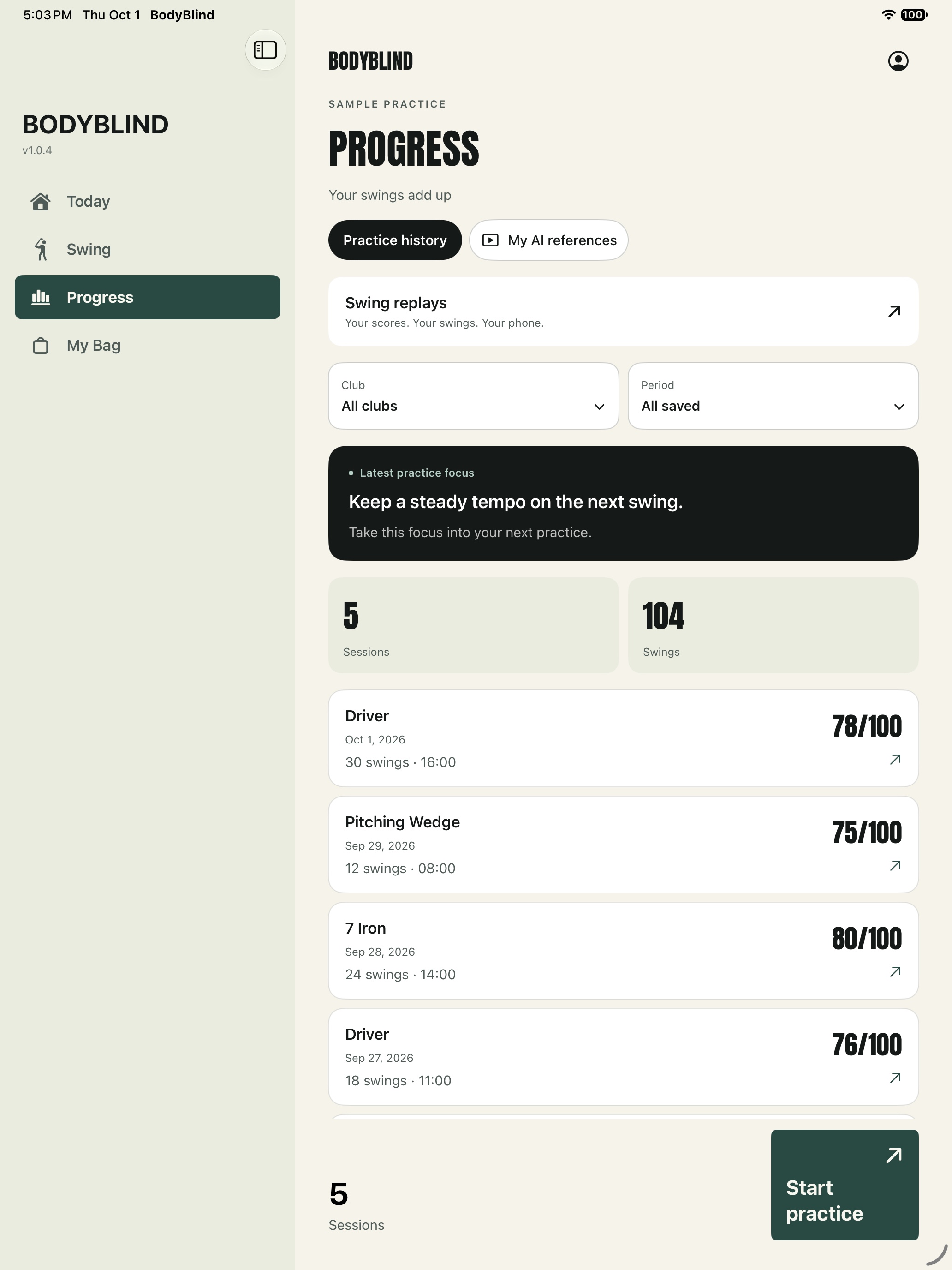
Return to your session summaries and score history in Progress. Review the latest saved replays on this device and choose your next focus.
Session summaries stay on this device: up to 60 sessions from the past 180 days.
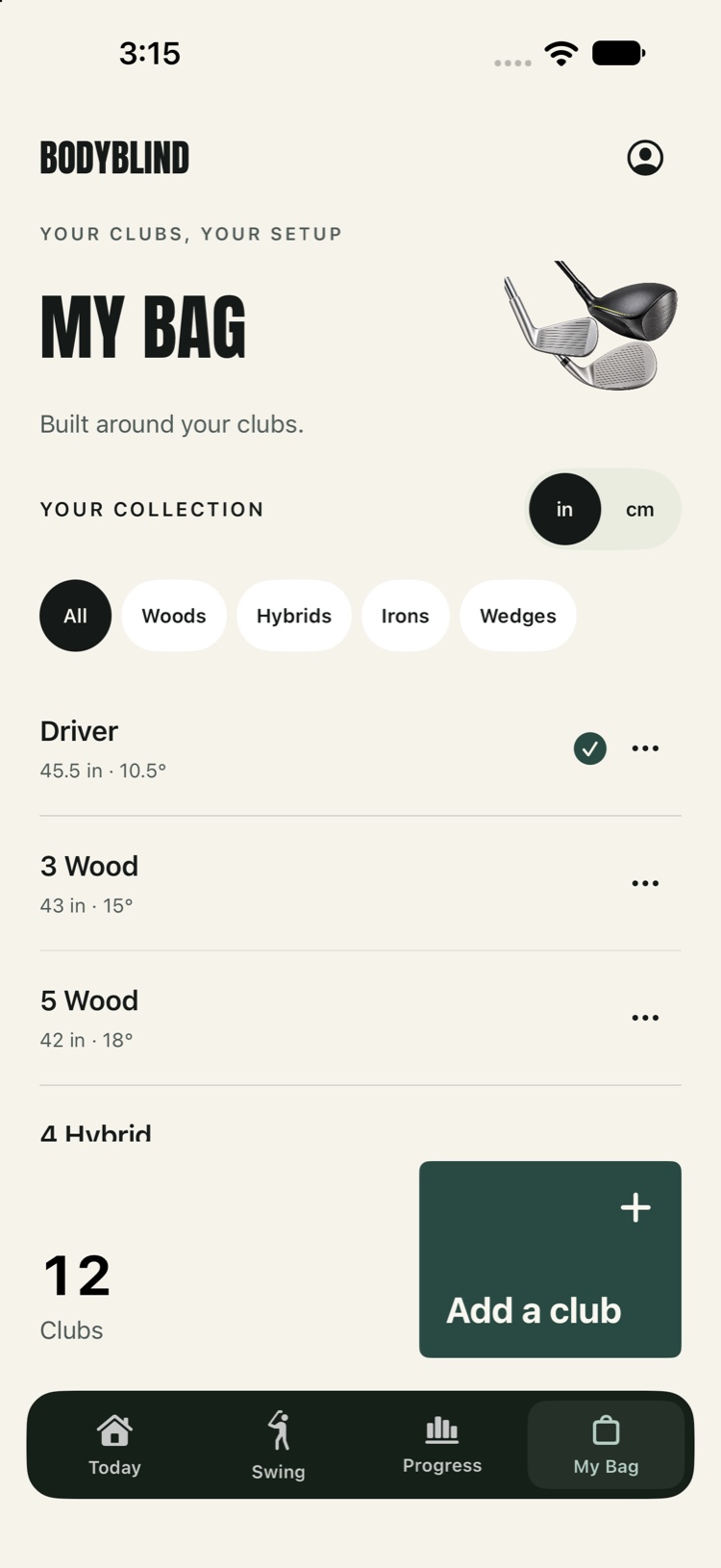
Make the starter bag your own. Add clubs, edit length and loft, switch inches and centimetres, and choose the club you want to practice with.
Explore My Bag↗App previews shown in English with sample practice data and starter club values.
A LITTLE SCIENCE. A CLEARER SESSION.
Your camera sees body landmarks. BodyBlind turns a completed attempt into a form-match score and a small, actionable focus.
On-device pose detection follows visible body landmarks. Positions and angles are estimated in the camera view.
Posture, timing, balance, stance and turn are combined with visibility. Weak areas keep a high average from hiding a useful correction.
One or two sustained correction priorities become short spoken cues. Your detailed breakdown stays available on screen.
Available signals are reweighted to total 100%. Within each scored frame, a form component below 80 caps the score at that weakest component + 8. The swing result summarizes reliable frame scores, trimming extreme samples.
Weekly volume adds saved swing counts by session date and club type. Active days count days with a saved session. Session averages and best scores summarize recorded attempts.
A form-match score is not an accuracy percentage. A single camera does not measure ball flight, carry distance, clubhead speed or true 3D rotation. Framing, viewpoint and visibility affect the estimates.
Weekly totals use retained on-device history: up to 60 sessions within 180 days. Replay video stays on this device; compact scores can sync to your private account.
AI reference
Start with the built-in swing baseline. An optional AI reference offers a visual guide from your own full-body photo.
Reference creation uploads your photo and reserves one credit. Confirmed failed builds return it. AI references can contain errors.
Questions about credits?It summarizes observed body motion during a completed attempt on a 0–100 scale. Previous-swing and best-score comparisons use the current session and coaching setup. It does not measure handicap, clubhead speed, impact, ball flight, or carry distance.
Live frames, selected practice clips, and captured replay video are processed on your device. Replay video and detailed analysis stay there; compact swing scores sync to your private account. A source photo is uploaded when you request an AI reference.
Replays save automatically on your phone. Only the latest 20 captured swings remain; each new swing replaces the oldest video, movement landmarks, and detailed analysis. Scores remain in your private account. Videos have no cloud backup and may be lost if you remove the app or change phones.
No. You can begin with the basic swing baseline and create a personal reference later. Reference creation and credit purchases require the account flow shown in the app.
PASS THE FOCUS ON
Share a clearer way to practice. Send the link directly, or take a ready-made image into the social app you use.
YOUR NEXT SESSION
Your phone. A little space. Something useful to take into the next rep.
Get BodyBlind